The easiest way to get feedback out of a client
Every extra step between a client and their comment is a comment you never receive. Share one link, the client writes what they think, and it lands on your board. No signup, no seat, no software to learn.
A ClickCues feedback link is a hosted URL tied to one project that lets a client or stakeholder submit feedback without creating an account or installing anything. Submissions arrive on the project board with the same context and workflow as feedback left through the site widget.
Free 7-day trial · Card only at checkout · Manage from Settings
Clear feedback. Fewer revisions. Faster launches.
Used by freelancers, agencies, and marketing teams
Try the widget
The reviewer side, state by state
Switch between the states a reviewer actually moves through. This is the real widget interface, not a rendering of it.
A client submitting feedback from a shared ClickCues link
The Problem
Why client feedback arrives late and vague
The Old Way
- The client is asked to create an account before their first comment
- Nontechnical reviewers give up and send an email instead
- Feedback lands in three inboxes and one text message
- You pay for a seat so someone can leave four comments a year
The ClickCues Way
- Share a link, the client submits without an account
- A plain submission flow that does not assume product knowledge
- Every submission lands in the same project board, in one place
- Seats are for the team doing the work, not for reviewers
The reviewer experience
What the client actually has to do
The link opens a focused submission page for one project. There is no dashboard to understand, no triage language, and no onboarding. A reviewer can go from opening the link to submitting in a few steps.
- Open the link
- It works in a normal browser on desktop or phone. No extension, no download, no invitation to accept.
- Say who they are, if they want
- Identifying yourself is optional, so a busy stakeholder is never blocked by a form field.
- Describe what they need
- Plain language, no ticket fields, no severity dropdowns for people who do not think in severities.
- Submit and get on with their day
- The reviewer is done. Nothing is left waiting on them to complete a profile or confirm an email.
- No triage noise
- The shared view hides the internal triage data, so clients see the feedback surface and not your workflow.
- Same board, either way
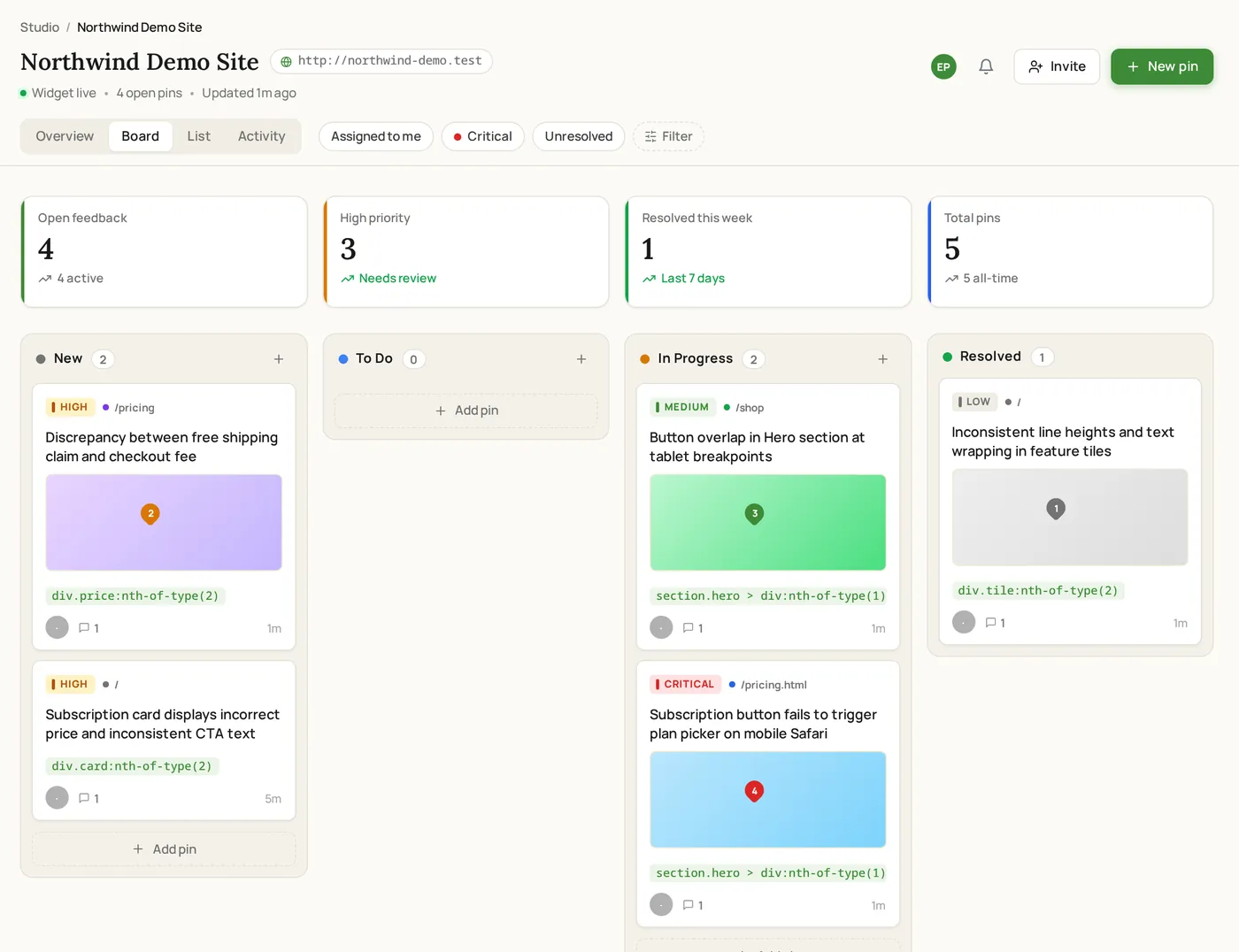
- Link submissions and widget submissions land on the same project board with the same statuses.
Control
The link stays yours
Each project's link is tied to a token you can regenerate from project settings, which retires the old URL if it has spread further than you intended. Pausing feedback or setting a deadline closes submissions for the project without deleting anything already collected.
Real screenshots
What the reviewer sees
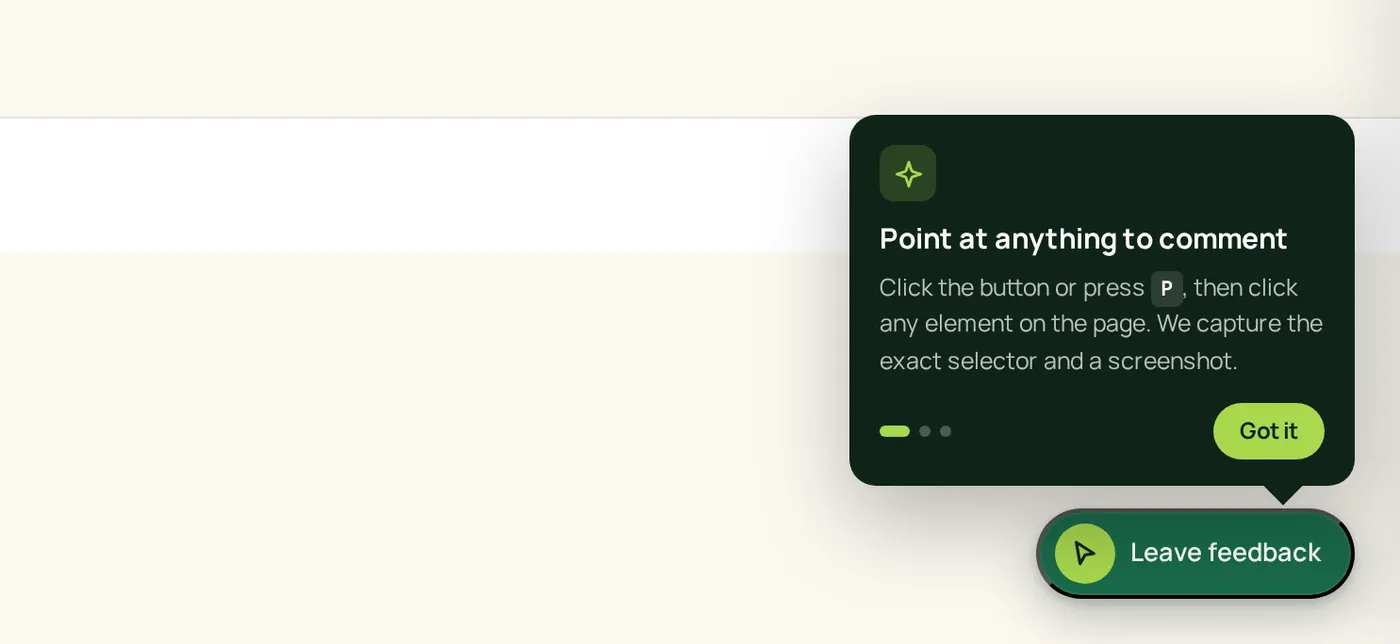
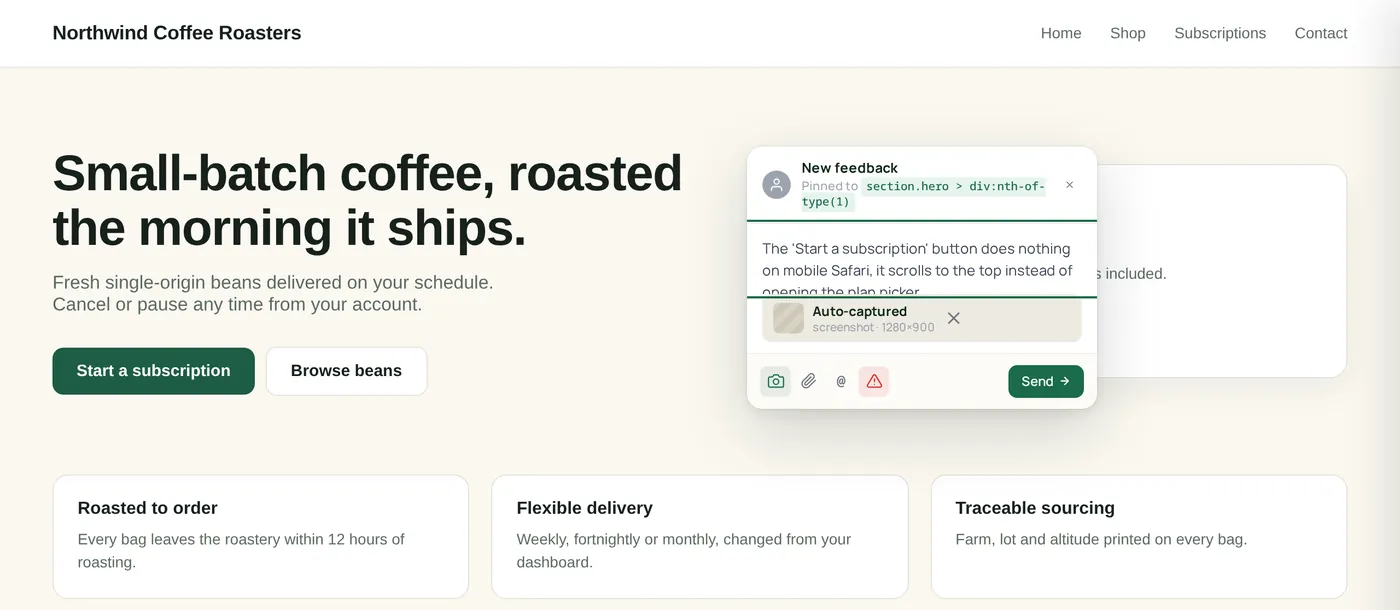
No account, no login: the reviewer clicks the launcher and comments directly on the page.
How it works
How the feedback link works
One URL you send, one page they fill in, one board where it all arrives.
Copy the project's feedback link
Every ClickCues project has its own hosted feedback URL in project settings, next to the widget snippet. Copy it and send it however you already talk to the client.
The client submits from their browser
They open the link, write what they need changed, and send. Identifying themselves is optional and creating an account is never required.
It lands on your board with context
The submission arrives as an item on the project board with a status, ready to be prioritised and assigned like anything else you collected.
Close the loop
Reply in the item thread, resolve it when it ships, and share a single item link if someone outside the workspace needs to see the outcome.
Features
Built around what reviewers will tolerate
Nothing to sign up for
The people leaving feedback never create a ClickCues account. That single decision is usually the difference between a review round that happens and one that stalls.
Names are useful, not mandatory
A reviewer can add their name so you know who asked for what, or skip it. Nothing blocks the submission either way.
Clients see feedback, not your triage
The client-facing view keeps internal triage detail out of sight, so the experience reads as a simple feedback page rather than a project management tool.
Send one item to one person
An individual feedback item can be shared as its own link, so a contractor or a client can follow a single request without access to the project.
At a glance
What the link removes
Who sends the link
Teams whose reviewers are not software people
Keep exploring
Other ways feedback reaches you
- Website feedback widget
The installed path, for feedback left on the page itself.
- Feedback board
Where client submissions get prioritised and assigned.
- AI feedback intelligence
How long or messy client notes are cleaned up into clear work.
- Client review for agencies
Running client rounds across several projects at once.
- Pricing
One team price, reviewers never take a seat.
FAQ
Questions about client review access
Last updated: August 2026
Make it easy and the feedback shows up.
Start your 7-day free trial and send your next client a link instead of an invitation.